Landing page content flow: hero to CTA sequencing for front end teams
Landing page content flow is the structural discipline that turns a stack of sections into a coherent argument that moves visitors toward a decision. This guide covers the practical sequencing decisions that front end developers and design engineers face when building landing pages that need to perform, not just look good in a portfolio. Over more than ten years of building landing pages across SaaS, developer tools, and design products, I have developed a repeatable approach to content sequencing that works regardless of visual style or framework choice. Below we cover hero messaging strategy, section pacing and visual rhythm, feature section structure, proof placement, CTA sequencing, and the structural differences between pages that convert and pages that just scroll. If you are building with our page templates, these flow principles are already embedded in the layout architecture, but understanding them will help you make better content decisions within any template.
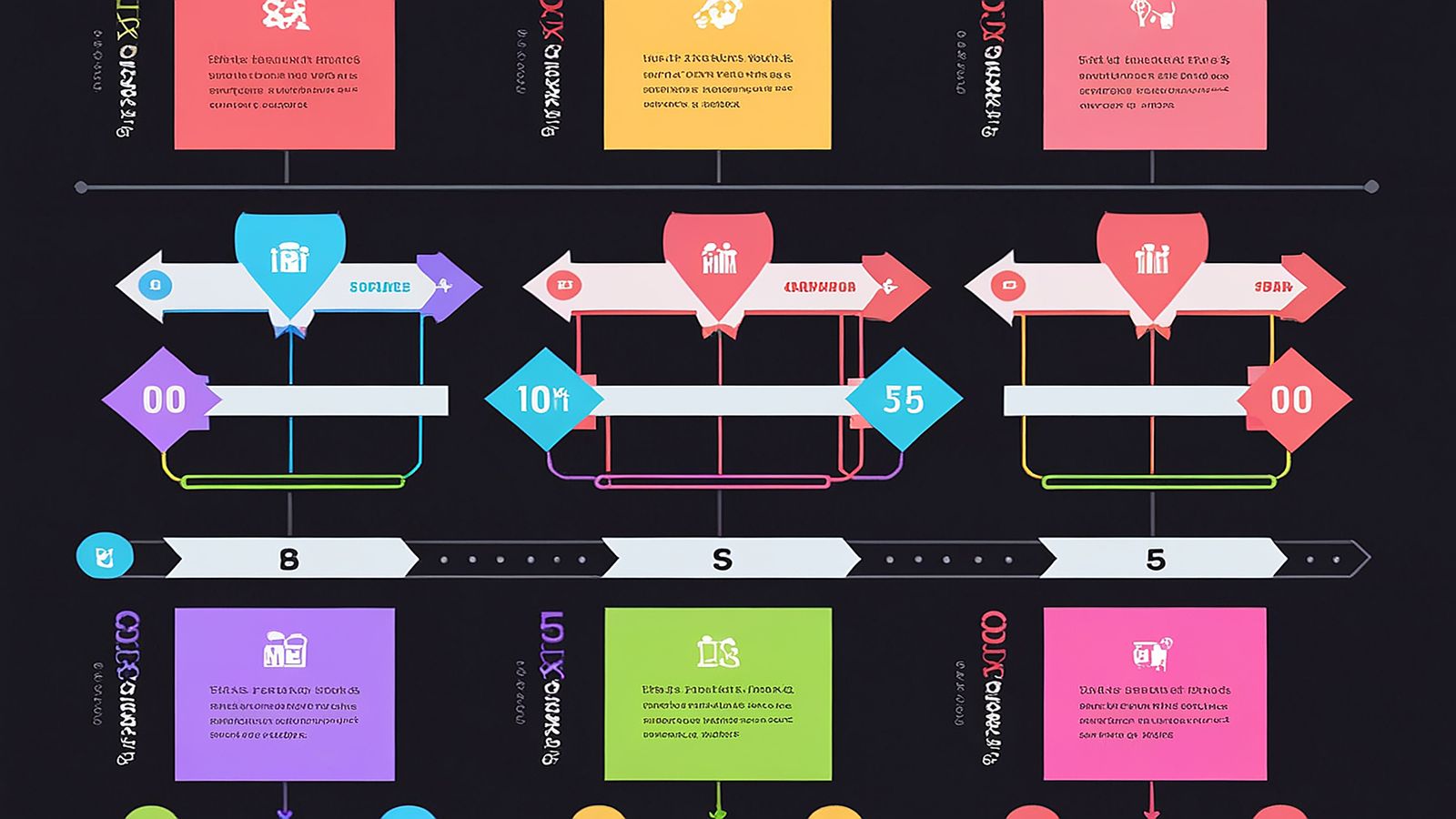
Content flow is a structural problem, not a copywriting problem
Most advice about landing pages focuses on copy. Write a better headline. Use power words. Create urgency. That advice is not wrong, but it misses the structural layer underneath. A landing page with brilliant copy in a bad sequence will underperform a page with decent copy in a well-paced sequence. Structure carries content. Without the right flow, even the best words land in the wrong order and lose their impact.
As a front end developer, you control the structure. You decide how sections stack, what visual rhythm the page creates as users scroll, where proof elements appear relative to claims, and how many decision points interrupt the reading flow before the primary call to action. These are layout decisions, not copywriting decisions, and they have an outsized effect on whether the page actually works.
The mistake I see most often is treating a landing page as a collection of independent sections. Hero, features, testimonials, pricing, footer. Each section is designed in isolation, then stacked vertically. The result looks like a landing page, but it does not flow like one. There is no narrative progression. There is no pacing. The visitor scrolls through a series of unconnected blocks and either converts out of existing intent or bounces because nothing pulled them forward.
Content flow means each section creates a reason to keep scrolling. The hero creates a question. The next section answers it while raising a new question. Feature sections build a case. Proof sections validate the case. The CTA arrives at the moment when the visitor has enough information to act. This is not about manipulating people. It is about respecting their attention by giving them information in the right order.
Hero messaging: the first five seconds of structural commitment
The hero section has one job: communicate what this page is about and give the visitor a reason to scroll. That is it. Not close the sale. Not explain every feature. Not display a carousel of product screenshots. One clear message. One reason to continue.
The structural components of an effective hero are a headline, a supporting statement, a visual element, and optionally a primary CTA. The headline states the value proposition in concrete terms. Not "the best solution for your needs" but "component libraries that ship with full documentation." The supporting statement adds one layer of specificity. The visual element shows the product or result, not a stock photo of people smiling at laptops.
The optional hero CTA is worth discussing because it is often overweighted. Putting a primary CTA in the hero works when visitors arrive with strong existing intent, like they came from a recommendation or already know what the product does. For cold traffic or complex products, a hero CTA is premature. The visitor does not have enough context to make a decision, and the CTA either gets ignored or creates a pressure that makes the visitor defensive. For those cases, let the hero do its job (orient and motivate scrolling) and place the primary CTA further down the page after you have built the case.
From a layout perspective, hero sections should take up approximately one viewport height on desktop. Not exactly one hundred viewport height units, because that creates problems on unusual aspect ratios, but roughly a full screen. This gives the hero room to breathe and signals to the visitor that this is the starting point of a structured narrative, not a content dump that begins immediately. The visitor's first scroll is a commitment to keep reading, and the hero needs to earn that commitment.
Section pacing and visual rhythm that sustains attention
After the hero, pacing becomes the primary structural concern. Pacing in a landing page context means controlling the density, visual weight, and information load of each section relative to the sections around it. Bad pacing is three dense text sections in a row. Or four feature cards followed by four more feature cards. Or a heavy hero followed immediately by a pricing table.
Good pacing alternates between density levels. A text-heavy section follows a visual section. A detailed feature breakdown follows a spacious quote or stat block. A grid of feature cards is followed by a single-column narrative section. This alternation creates visual rhythm, which is the layout equivalent of pacing in writing. It keeps the page from feeling monotonous and gives readers natural pause points.
I use a simple system for pacing. Assign each section a density rating: light (large visuals, minimal text, lots of whitespace), medium (balanced text and visuals, moderate information density), or heavy (detailed text, multiple data points, comparison tables). Then sequence sections so that two heavy sections never appear back to back. Light sections act as breathing room between medium and heavy sections. The pattern is typically: heavy, light, medium, light, heavy, light, CTA.
Vertical spacing between sections reinforces pacing. Heavier sections need more space after them to let the content settle before the next section begins. A consistent vertical rhythm of identical section padding actually works against pacing because it treats every section transition the same way. Vary your section spacing by two or three increments based on content density transitions. The visual breathing room after a detailed feature breakdown should be noticeably larger than the spacing between two light sections.
You can see these pacing principles at work in the Identity demo layout, where section transitions use deliberate spacing variation to create a reading rhythm that pulls visitors through the full page length.
Feature section structure: presenting capabilities without overwhelming
Feature sections are where most landing pages go wrong structurally. The typical pattern is a grid of feature cards, each with an icon, a title, and a one-line description. This pattern is everywhere because it is easy to implement and looks organized. The problem is that it treats every feature as equally important and gives none of them enough space to make an impact.
A better structural approach is tiered feature presentation. Identify two or three primary features that represent the strongest reasons to use the product. Give each of these a full-width section with a detailed explanation, a visual (screenshot, diagram, or code example), and specific outcomes. These are your anchor features, and they get premium real estate on the page.
Secondary features, the ones that matter but are not primary differentiators, get grouped into a more compact format. A three or four column grid with brief descriptions works here because the primary features have already done the heavy persuasion work. The secondary feature grid says "and there is more" without competing with the anchor features for attention.
The sequencing within feature sections matters too. Lead with the feature that addresses the visitor's most likely pain point. Not the feature you are most proud of, not the newest feature, but the one that solves the problem that brought the visitor to the page. If your analytics or user research tells you that most visitors arrive because they need better component documentation, lead with the documentation feature, even if your design token system is technically more innovative.
Each anchor feature section should follow a consistent internal structure: state the problem the feature solves, show the solution, describe the outcome. Problem, solution, outcome. This three-beat rhythm works at the section level just as well as it works at the page level. It gives each feature a narrative arc rather than just a description.
Proof placement: where social proof and credibility elements belong
Social proof and credibility signals are most effective when they appear after a claim, not before it and not in isolation. A testimonial section at the top of the page, before the visitor even knows what the product does, is wasted real estate. A testimonial that appears right after you describe a specific capability and the testimonial validates that exact capability is structurally powerful.
I think about proof placement in three tiers. Early proof is lightweight and appears between the hero and the first feature section. This is logos, user counts, or a brief social signal. Its job is not to convince. It is to establish that other people use this product, which gives the visitor permission to keep investing attention. Early proof should take up minimal vertical space. A single row of logos or a brief stat bar is enough.
Mid-page proof is detailed and appears after the anchor feature sections. This is where testimonials, case study snippets, and specific outcome metrics belong. The visitor has now seen what the product does, and mid-page proof validates those claims with external voices. The structural key is specificity. A testimonial that says "great product, highly recommend" is noise. A testimonial that says "we cut our documentation build time from twelve minutes to forty seconds" is proof that maps directly to a feature claim made earlier on the page.
Late proof appears just before the final CTA. This is often a different format from mid-page proof: a trust badge, a guarantee statement, a security certification, or a brief FAQ that addresses final objections. Late proof is not about enthusiasm. It is about risk reduction. The visitor is close to a decision, and late proof removes the last barriers by addressing the "but what if" questions that arise right before commitment.
The Exodus demo layout shows this three-tier proof structure in action, with proof elements placed at strategic points in the page flow rather than clustered into a single "testimonials" section.
CTA sequencing: when and how to present decision points
The final piece of content flow is CTA sequencing, which determines how many decision points exist on the page and where they appear. The most common mistake is putting the same CTA button in every section. This approach dilutes the CTA's impact and creates visual noise. If the same "Get Started" button appears six times on a page, it becomes wallpaper. Visitors literally stop seeing it.
A more effective approach uses a primary and secondary CTA structure. The primary CTA appears in at most two locations: optionally in the hero (for high-intent traffic) and definitively in a dedicated CTA section near the bottom of the page after the full case has been presented. The dedicated CTA section gets visual emphasis: a contrasting background, larger typography, and clear isolation from surrounding content. This section is the structural climax of the page. Everything above it builds toward this moment.
Secondary CTAs appear mid-page and serve a different function. They are not trying to close the primary conversion. They offer alternative engagement for visitors who are interested but not ready to commit. A secondary CTA might link to documentation, offer a demo, or invite the visitor to explore a specific feature in detail. These CTAs should be visually lighter than the primary CTA. Outlined buttons or text links rather than filled buttons. Their job is to keep interested visitors engaged, not to compete with the primary conversion point.
The spacing between the last content section and the final CTA section matters more than most developers realize. This transition should feel deliberate. The content section that immediately precedes the CTA should be a proof element or a summary that reinforces the page's core argument. Then a clear visual break, followed by the CTA section. The visitor should feel like they have arrived at a natural decision point, not like they have been cornered into a button click.
The complete flow pattern: putting sections in sequence
Bringing all of these principles together, a well-structured landing page follows this general sequence: hero with clear value proposition, early lightweight proof, primary anchor feature with problem-solution-outcome structure, breathing section (light density), second anchor feature, mid-page detailed proof, secondary feature grid, third anchor feature or detailed walkthrough, late proof addressing final objections, and dedicated CTA section with visual emphasis.
Not every page needs every element. A simpler product might skip the secondary feature grid. A well-known brand might reduce early proof. A free product might move the CTA earlier because the commitment threshold is lower. The sequence is a framework, not a rigid template. The point is that each element has a structural role and a logical position within the flow.
The biggest shift in thinking for front end developers is moving from "design this section" to "design this sequence." When you evaluate a landing page layout, do not ask whether each section looks good in isolation. Ask whether the sequence of sections creates a coherent argument that builds from initial interest to informed decision. A page where every section is beautifully designed but poorly sequenced will always underperform a page with simpler sections in the right order.
Content flow is one of those things that is invisible when done well and painfully obvious when done poorly. The next time you land on a page that "just works" and you find yourself reading all the way to the bottom, study the structure. Count the sections. Note the pacing. Look at where proof appears relative to claims. You will find these patterns at work. And for more practical front end guides covering adjacent topics from design system governance to documentation structure, explore the rest of our resources.